
Stage 32
Introduction to Editing with Adobe Premiere Pro
Introduction to Editing with Adobe Premiere Pro
Couldn't load pickup availability

Learn from Matt Power, award-winning filmmaker and editor with over 20 years of experience shaping films, documentaries, and commercials!
Plus, get a Downloadable Visual Editing Workflow Flowchart to guide you step-by-step through your Premiere Pro projects—from setup to export!
PLEASE NOTE: This exclusive Stage 32 webinar is now available to watch on-demand and no longer live.
In today’s content-driven world, knowing how to edit video isn’t just a bonus skill—it’s essential. Whether you’re a filmmaker, content creator, or someone who simply wants to tell better visual stories, editing is where your creative vision truly comes together. Adobe Premiere Pro has been the industry standard for more than a decade, used by professionals across film, television, streaming, and social media. But if you’ve ever opened the program and felt overwhelmed by its panels, tools, and menus, you’re not alone. This Stage 32 webinar, Introduction to Editing with Adobe Premiere Pro, will give you the foundation you need to take control of your creative process and start editing with clarity and confidence.
For many creatives, the biggest obstacle isn’t their vision—it’s the technical side of bringing that vision to life. New editors often dive into Premiere Pro without fully understanding the software’s capabilities, only to get lost in complicated timelines, confusing settings, and disorganized media. That frustration can waste time and stifle your creativity. In this webinar, you’ll learn how to properly set up your projects, organize your media, and navigate Premiere Pro’s interface so you can focus on what really matters: telling a compelling story. You’ll also gain hands-on understanding of essential editing tools, from performing J- and L-cuts to adding transitions, sound, titles, and effects that enhance your final product.
Your instructor, Matt Power, brings over 20 years of experience in film and video production to this class. Matt recently directed an award-winning feature film and has edited hundreds of short films, documentaries, corporate videos, and commercials. Having started his career in one of Canada’s first digital production studios, Matt’s background spans every part of the filmmaking process—from directing and cinematography to sound mixing and post-production. His practical, step-by-step teaching style makes complex editing techniques accessible and understandable, ensuring you not only learn how to use Premiere Pro but also how to use it effectively in your own creative projects.
In this webinar, you’ll get a guided walkthrough of Adobe Premiere Pro’s core features and workflows. You’ll learn how to set up a project, import and organize your footage, create and navigate sequences, edit both video and audio, and apply transitions, graphics, and color corrections. You’ll also explore how to properly export your finished work for different platforms. By the end, you’ll walk away with a strong understanding of Premiere Pro’s essential tools and workflows—and the confidence to start editing your own projects like a professional.
PLUS! You will receive:
-
Downloadable Visual Editing Workflow Flowchart

Materials
Materials
Shipping & Returns
Shipping & Returns
Dimensions
Dimensions
Care Instructions
Care Instructions
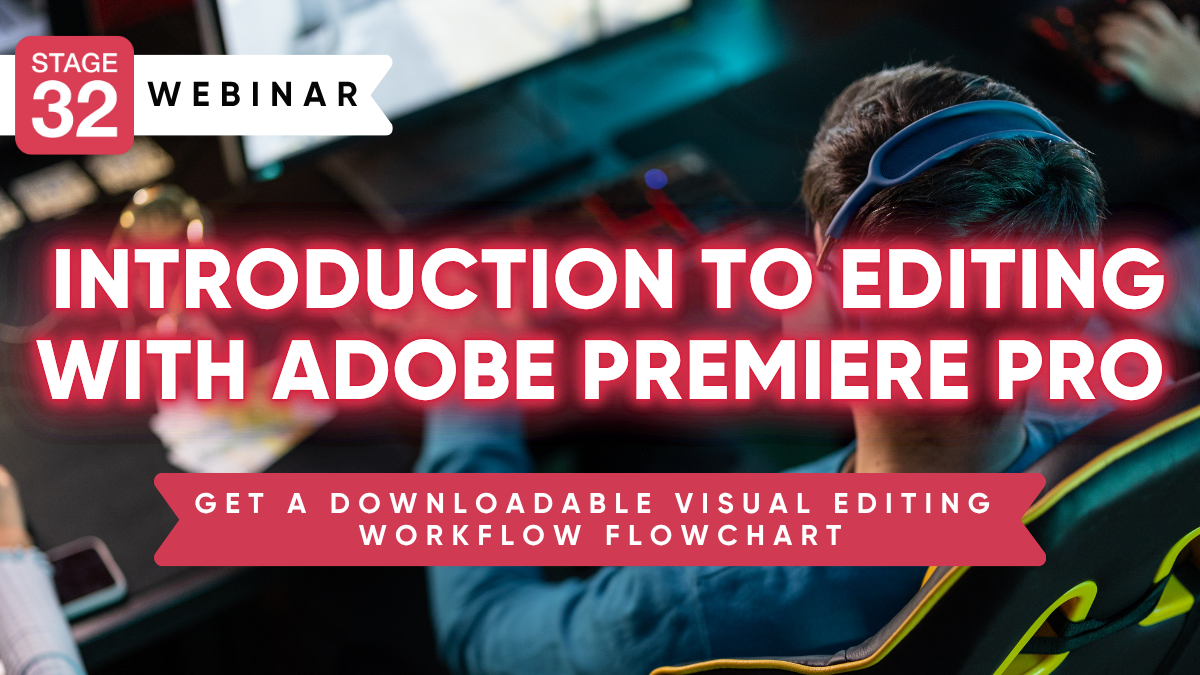
Image with text
Pair text with an image to focus on your chosen product, collection, or blog post. Add details on availability, style, or even provide a review.
-
Free Shipping
Pair text with an image to focus on your chosen product, collection, or blog post. Add details on availability, style, or even provide a review.
-
Hassle-Free Exchanges
Pair text with an image to focus on your chosen product, collection, or blog post. Add details on availability, style, or even provide a review.