Skip to product information
1 of 1

Stage 32

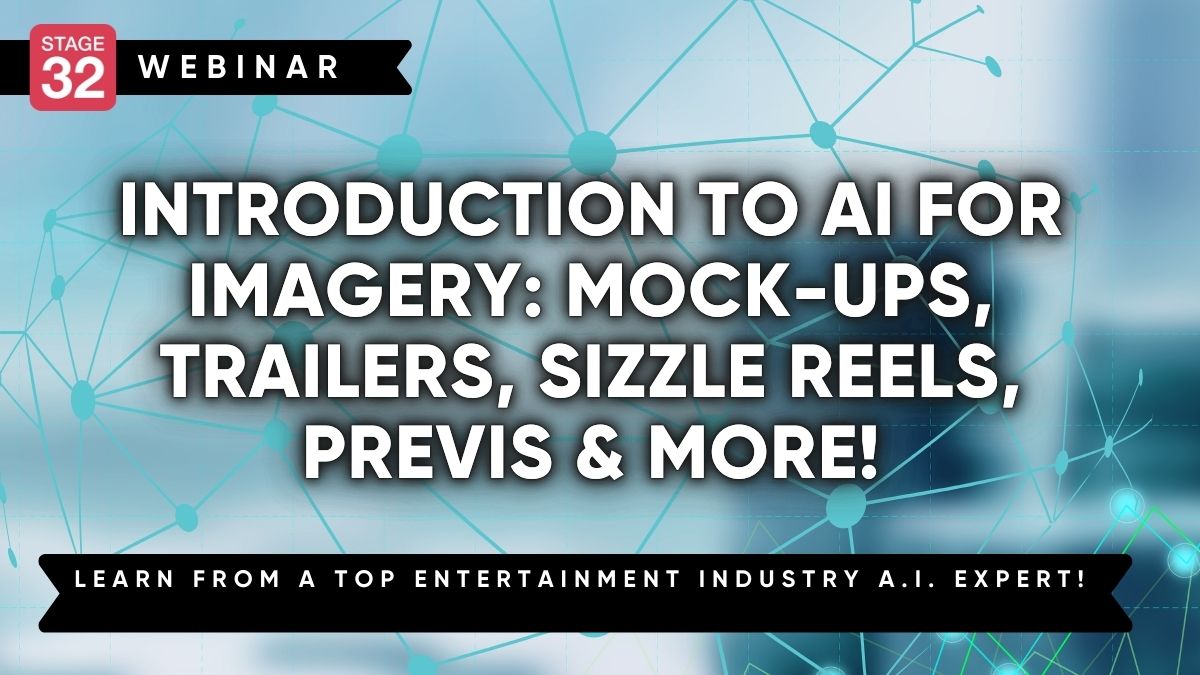
Introduction to AI for Imagery: Mock-Ups, Trailers, Sizzle Reels, Previs & More!

Introduction to AI for Imagery: Mock-Ups, Trailers, Sizzle Reels, Previs & More!

Regular price $49.00 USD
Regular price Sale price $49.00 USD
Sale Sold out

Learn from an entertainment industry AI expert on how to make AI a powerful tool to assist in your creative process, not replace it (or you) altogether!

Get handout that includes tips for ChatGPT, Midjourney & Adobe Photoshop Generative Expand AI


AI is making waves in the entertainment industry, especially when it comes to creating visuals for mock-ups of trailers, pitch decks, sizzle reels and previs. If you’ve ever struggled to create the perfect image to represent your ideas, AI can be your new secret weapon. Whether you're prepping a pitch deck to sell your next film or need jaw-dropping visuals for a trailer, AI tools can help you create, expand, and enhance images in ways that save you time and money—all while letting you focus on your creative vision.

But let’s face it, the idea of diving into AI can feel intimidating. Maybe you’re worried AI will replace your creative touch or that it’s too complicated to learn. These are concerns a lot of people have. The truth is, AI is designed to help you, not take over. Imagine being able to quickly generate images for your pitch decks using Midjourney or expanding the scope of a scene with Adobe Photoshop’s Generative Expand feature. With AI, you can brainstorm new ideas, create high-quality visuals for trailers, or even mock-up scenes for previs with just a few prompts, giving you more time to fine-tune the story and creative direction.

Joshua Young, your Stage 32 Educator for this webinar, is no stranger to the balance between creativity and technology. With a background in filmmaking, directing, and screenwriting, Joshua has worked with top networks like Netflix, PBS, and TLC. He’s also an AI expert who helps creatives just like you incorporate AI tools into their workflow. Joshua knows firsthand how tools like ChatGPT and Midjourney can make a difference in the fast-paced world of entertainment, and he’s here to show you how to use them without losing your unique touch.

In this Stage 32 webinar, you’ll learn how to get started with AI, see live demos of AI tools like Photoshop’s Generative Expand and Midjourney, and discover how to apply them to your projects. You’ll explore how to use these tools to generate visuals for trailers, expand mock-ups, and even brainstorm creative ideas. Plus, you’ll get a sneak peek at future AI advancements that can further support your work. By the end of this session, you’ll walk away knowing exactly how to use AI to streamline your process and bring your visuals to life in a way that feels authentic to your creative style.


PLUS! You will receive:

  • A handout that includes tips for ChatGPT, Midjourney & Adobe Photoshop Generative Expand AI


Praise for Joshua's previous education with Stage 32:

"Joshua gave a great "current status" overview of AI and gave wonderful specific examples of screenwriting prompts and specific areas where AI was most useful for screenwriters in their creative process. Greatly appreciate Joshua's handout thoroughness that we will be getting too! Thanks Joshua! Go Virgos!"

"AMAZING information. Joshua Young clearly knows his stuff and does an excellent job of teaching us what he knows. I feel so much more confident about diving into ChatGpt based on everything I learned today, and I know my scripts will be better because of it."

"As a total amateur, Joshua's introduction was very helpful for me. What can the system do, and how do you get the most out of the system."

"Joshua had a number of excellent ideas on how to thoughtfully use AI."


Materials

Shipping & Returns

Dimensions

Care Instructions

View full details

Image with text

Pair text with an image to focus on your chosen product, collection, or blog post. Add details on availability, style, or even provide a review.

  • Free Shipping

    Pair text with an image to focus on your chosen product, collection, or blog post. Add details on availability, style, or even provide a review.

  • Hassle-Free Exchanges

    Pair text with an image to focus on your chosen product, collection, or blog post. Add details on availability, style, or even provide a review.